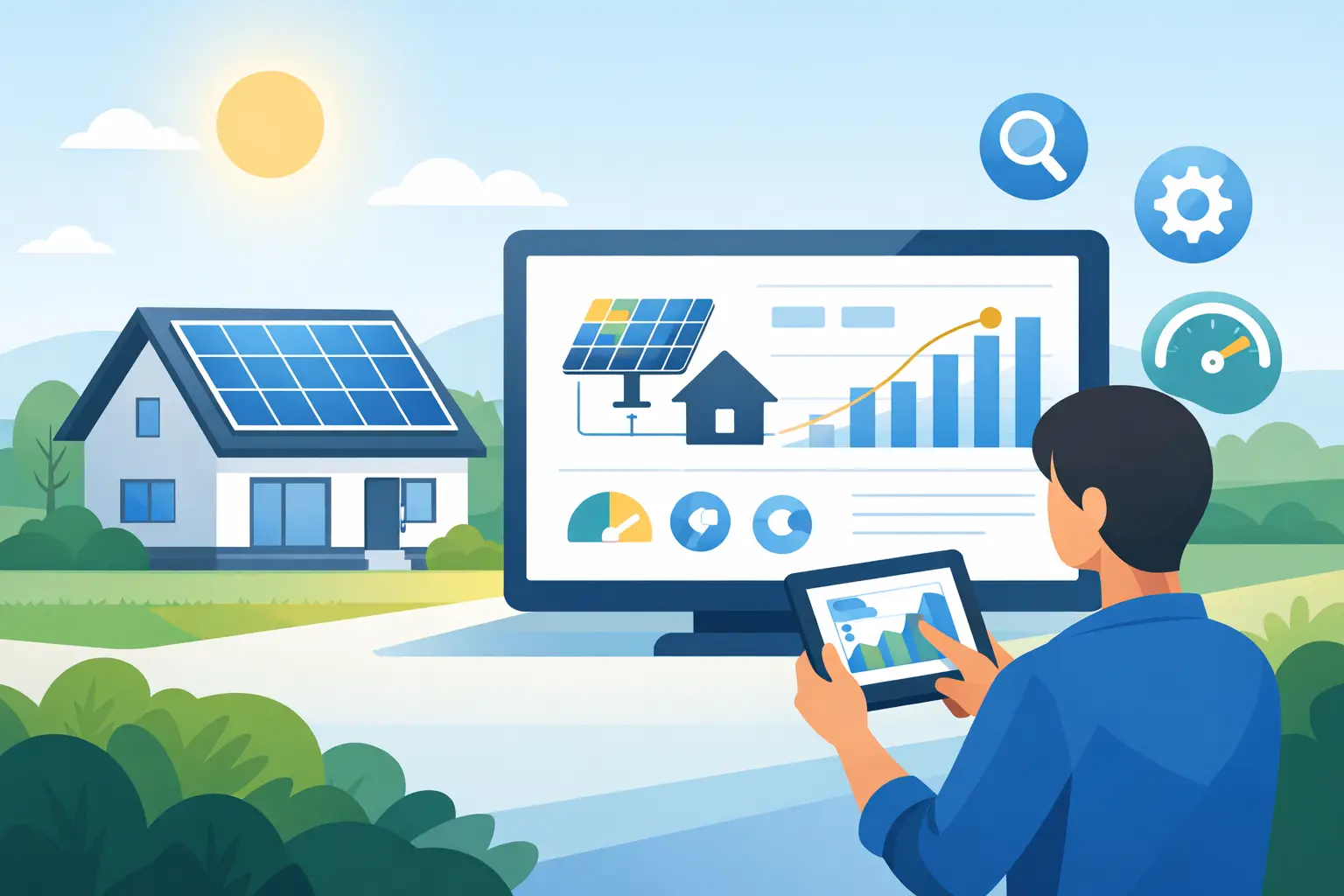
A bright afternoon should not leave you guessing whether your solar panels are doing their job. Your monitoring app turns generation, household use and grid imports into useful evidence: are you saving as expected, using your own power wisely, and getting the value your system was designed to deliver? Knowing how to monitor solar performance gives you that confidence without needing to become a solar expert.
For most UK homeowners, a quick check once or twice a week is enough. The aim is not to chase a single perfect number. Solar output naturally changes with the weather, season and the way your household uses electricity. Instead, look for meaningful patterns and sudden changes that deserve attention.
Start with the monitoring app
Most modern solar systems include an inverter monitoring platform, accessed through an app or web portal. This is normally set up when your installation is commissioned. It should show live and historical information, although the exact labels vary by manufacturer.
Begin with three figures: solar generation, home consumption and grid import or export. Solar generation is the electricity produced by your panels. Consumption is what your property is using at that moment. Import is electricity bought from the grid, while export is surplus solar sent out to the grid.
If your system includes a battery, you will also see its state of charge, charging and discharging activity. This helps you understand whether solar energy is being stored for later or whether your home is relying on grid electricity at peak times.
A useful first habit is to check the app at different points in the day. On a clear morning, generation should begin to rise after sunrise. It will usually peak around the middle of the day, then fall away towards evening. On a dull day, production will be lower and more variable, which is entirely normal.
Know what good solar performance looks like
There is no single daily output that proves every system is working well. A 4 kWp array facing south with little shade will behave differently from a 4 kWp east-west array, even though both may be excellent choices for the property. Roof angle, panel orientation, local weather, temperature and shading all affect output.
The most reliable comparison is against your own system’s previous performance under similar conditions. Compare this week with the same period last year where possible, or compare sunny days with other sunny days. Many monitoring platforms also provide expected generation estimates. Treat these as a helpful benchmark rather than a guarantee, because UK weather is never identical from one month to the next.
Seasonality matters more than many new solar owners expect. A system may generate several times more in June than it does in December. Shorter days, a lower sun and heavier cloud all reduce winter output. A lower figure in January is not automatically a fault.
What should prompt a closer look is a sharp, unexplained drop. If a sunny day produces far less than comparable sunny days, or generation falls to zero during daylight hours, check the app notifications and the inverter status. Your installer can then advise whether the cause is a connectivity issue, grid-related event or a system fault.
How to monitor solar performance beyond generation
High generation is positive, but the bigger financial question is how much of that electricity benefits your property. This is often called self-consumption: using solar power directly in the home rather than exporting it and later buying power back from the grid.
Look at the relationship between generation and consumption. If your panels are producing strongly at midday while the house is using very little, you may be exporting much of your solar. That is not wasted energy, particularly if you receive a good export tariff, but it may reveal an opportunity to run flexible appliances while the sun is out.
Set the dishwasher, washing machine or tumble dryer to run during the day where practical. If you have an electric vehicle, consider daytime charging when your solar output is strongest. This approach will not suit every household or every tariff, so avoid changing routines purely to make a graph look better. The right choice depends on your export payment, electricity tariff, battery capacity and everyday needs.
For commercial properties, monitoring is equally valuable because daytime demand often aligns well with solar generation. Reviewing half-hourly patterns can show whether equipment, heating, cooling or operating hours are making the best use of onsite power. It can also help identify avoidable overnight consumption.
Use battery data to make smarter decisions
A battery adds another layer to solar monitoring. During a typical day, it may charge from surplus generation, hold that power, then discharge after sunset when the home needs electricity. The app should make this flow visible.
Check whether the battery reaches a healthy charge on brighter days and whether it is discharging during your higher-use evening period. If it regularly sits full by early afternoon while you are exporting substantial solar, you may have room to shift more usage into the day. If it often empties early in the evening, that does not mean it is underperforming. It may simply reflect your household demand or the size of the battery.
Some battery systems can charge from the grid at cheaper off-peak rates. This can be a sensible strategy on certain time-of-use tariffs, particularly in winter when solar generation is lower. Your app may show grid charging separately from solar charging, so check the source of the energy before drawing conclusions from the battery level alone.
Keep an eye on inverter and connection status
The inverter is the working heart of a solar PV system. It converts the electricity produced by the panels into power your home or business can use. Most apps display a simple operating status such as normal, online, standby or fault.
An app showing no new data does not always mean the solar system has stopped generating. Wi-Fi interruptions, router changes and mobile signal issues can prevent information reaching the portal while the panels continue to work normally. Check whether the inverter itself shows a warning light or error message before assuming there is a generation problem.
If you have changed broadband provider, moved your router or updated your Wi-Fi password, reconnecting the inverter may be necessary. Keep your system handover information somewhere safe, including inverter details, app login information and the contact route for support.
Simple checks that protect long-term output
Monitoring works best alongside sensible visual awareness. From ground level, look occasionally for obvious new shading from growing trees, heavy bird mess, storm damage or a build-up of leaves around the panels. Do not climb onto the roof or attempt electrical work yourself. Solar equipment should be inspected and maintained safely by qualified professionals.
Panel cleaning is not routinely necessary for every UK property. Regular rainfall removes much ordinary dust and dirt. However, panels affected by nearby trees, agricultural dust, persistent bird mess or coastal salt may benefit from an assessment. The right approach depends on the site, and poor cleaning methods can cause damage or create unnecessary risk.
Keep a simple record if you notice a concern: the date, weather conditions, app screenshots and any error message. This gives an installer a clearer starting point and can speed up diagnosis.
When to ask for support
Contact your installer or maintenance provider if the inverter reports a persistent fault, daytime generation has stopped, output has dropped sharply without an obvious weather explanation, or you suspect physical damage. The same applies if your battery is not charging or discharging as expected after you have checked its configured operating mode.
At Infused Solar Energy, monitoring setup is part of making a system useful from day one, not an afterthought. A professionally designed system should come with clear handover information and support when the figures do not make sense.
Your solar app is not there to demand constant attention. It is there to help you spot the reassuring rhythm of a system working for your home: power rising with the sun, bills relying less on the grid, and better decisions becoming easier over time.